

Electronic Components for Beginners

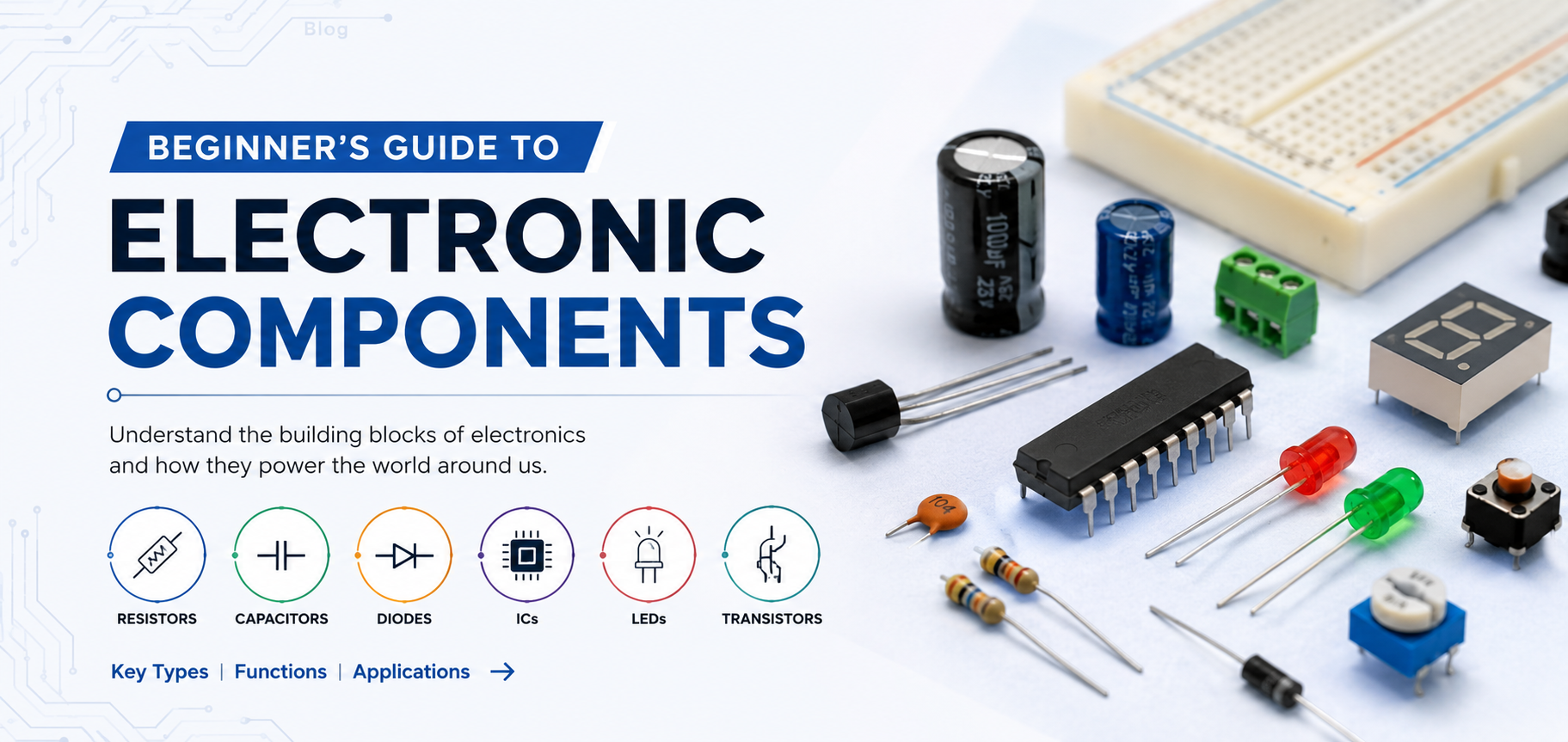
A Beginner's Guide to Electronic Components: What They Are, What They Do, and Why They Matter
If you have ever looked at a circuit board and thought “I have absolutely no idea what any of this does” — this guide is for you.
Electronic components are the individual building blocks that make every electronic device work. Your smartphone, laptop, washing machine, car, and even your Wi-Fi router are all just cleverly assembled collections of these components — each one doing a specific job, in a specific way, at a specific moment.
The good news? You do not need an engineering degree to understand them. The core ideas behind electronic components for beginners are surprisingly intuitive once someone explains them using everyday language instead of textbook formulas.
In this guide, we will walk through the most important electronic components, explain what each one does in plain terms, show you where you will find them in real products, and give you a solid enough foundation to start reading circuit diagrams, building hobby projects, or simply understanding the technology around you.
Whether you are a student, a hobbyist, a maker, or someone just curious about how things work — understanding basic electronic components is one of the most rewarding things you can learn. You start seeing the technology around you completely differently.
Table of Contents
1. What Is an Electronic Component?
An electronic component is a basic physical device that does a specific job when connected in an electronic circuit. Think of it like this: if an electronic circuit were a sentence, components would be the individual words — each with its own meaning, each essential to the sentence making sense.
Components are connected together on a printed circuit board (PCB) or breadboard using wires, copper traces, or solder joints. Together, they form circuits that can do remarkable things: amplify a whisper into a loudspeaker voice, convert sunlight into electricity, sense temperature and trigger a fan, or process millions of calculations per second.
Most components have two or more metal legs (called terminals or leads) that connect them to the rest of the circuit. When current flows through them, each component behaves in a characteristic way — and that behaviour is exactly what makes circuits useful.
???? Fun fact: A modern smartphone contains over a billion individual transistors — all packed onto a chip smaller than your fingernail. The entire history of electronics has been a story of making components smaller, cheaper, and more powerful.
2. Passive vs Active Components — What’s the Difference?
Before we dive into individual components, here is one distinction worth knowing early on: the difference between passive and active components.
Passive Components
Passive components do not need an external power source to work, and they cannot amplify a signal — they can only store, dissipate, or redirect energy that is already in the circuit.
Examples: Resistors, capacitors, inductors
Active Components
Active components need an external power source, and they can amplify or switch signals — meaning they can produce more output energy than the input that controls them.
Examples: Transistors, integrated circuits
Simple way to remember it: passive components control and manage energy. Active components amplify and process it. Most real circuits need both.
3. The Core Electronic Components Explained
Here are the components you will encounter in almost every circuit — explained the way a senior engineer might explain them to a curious junior just starting out.
4. Quick Reference — Core Electronic Components at a Glance
| Component | What It Does | Common Types | Found In |
|---|---|---|---|
| Resistor | Limits current flow | Fixed, variable (potentiometer) | Every circuit |
| Capacitor | Stores and releases charge | Ceramic, electrolytic, film | Power supplies, audio, timing |
| Inductor | Stores energy in magnetic field | Air core, ferrite, toroidal | Power converters, RF circuits |
| Diode | Allows current in one direction only | Silicon, Schottky, Zener | Rectifiers, protection, regulators |
| Transistor | Switches or amplifies current/signal | BJT, MOSFET, JFET | Logic, amplifiers, motor drivers |
| IC | Complete circuit in one chip | Microcontroller, op-amp, timer | Everything digital |
| LED | Emits light when conducting | Through-hole, SMD, infrared | Displays, indicators, lighting |
| Transformer | Changes AC voltage level | Mains, audio, high-frequency | Power supplies, audio |
| Sensor | Converts physical signal to electrical | Thermistor, LDR, MEMS | IoT, automation, wearables |
| Switch / Relay | Opens or closes a circuit | Tactile, toggle, relay, SSR | User input, high-power control |
5. How Do These Components Work Together?
Understanding individual components is step one. The real magic happens when you see how they combine into systems.
Take a simple LED lamp dimmer as an example. A potentiometer (a variable resistor) adjusts a voltage. That voltage controls the base of a transistor, which switches current on and off to an LED very rapidly. A capacitor smooths out the switching to produce a steady dim light. A resistor limits the base current to protect the transistor, and another limits the LED current. Five components working together to do something genuinely useful.
Scale that up. Your mobile phone charger? It contains a transformer, multiple diodes forming a rectifier bridge, several capacitors for smoothing, an IC regulating the output voltage, and inductors filtering out electrical noise. Each component doing its job, in its place.
That’s why learning electronic components for beginners is so rewarding — once you know the vocabulary, you start reading circuits like sentences. You see the logic in the layout. You understand why a designer made each choice.
???? Fun fact: The first transistor was invented at Bell Labs in 1947 and was about the size of your palm. Today, a single chip the size of your thumbnail contains over 50 billion transistors. That’s roughly 7 transistors for every human being on Earth.
6. Where to Learn More — and Where to Buy
Now that you have a solid grounding in basic electronic components, here are the natural next steps:
Keep Learning
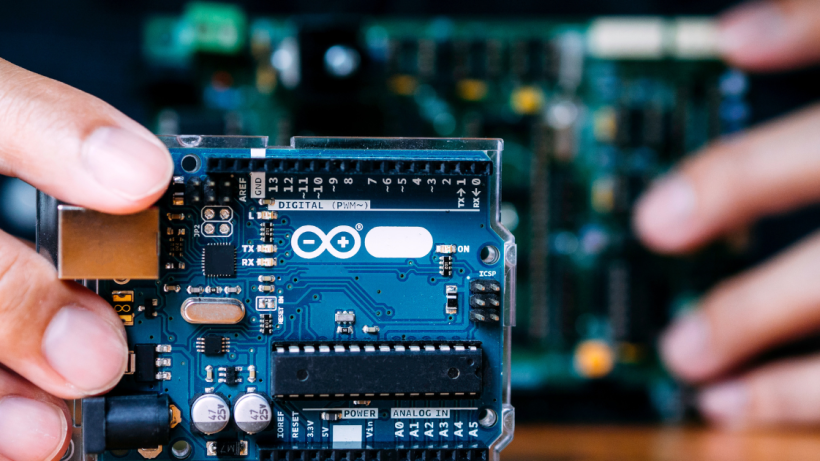
- Build something hands-on: The fastest way to understand components is to use them. Start with an Arduino starter kit — you will use resistors, capacitors, LEDs, transistors, and sensors within your first few projects.
- Read datasheets: Pick a component you have and look up its datasheet. Even if 80% of it is beyond you right now, reading datasheets builds intuition faster than almost anything else.
- Reference resources: The All About Circuits textbook is a free, comprehensive, and beginner-friendly resource covering everything from Ohm’s Law to advanced signal processing.
Shop with Confidence
When you are ready to buy components — whether for a hobby project, a prototype, or a production build — the most important thing is buying from a source you can trust. Genuine components with proper documentation, correct specifications, and reliable stock availability make the difference between a circuit that works and one that doesn’t.
At Indus Technologies, we supply a full range of electronic components across passive components, semiconductors, sensors, development kits, and much more — all sourced from authorized channels with full traceability. Whether you are a student picking up your first batch of resistors or an engineer managing a full production BOM, we are here to help.
7. FAQ — Electronic Components for Beginners
Q1: What electronic components should a complete beginner start with?
Start with the big five: resistors, capacitors, LEDs, a few transistors (NPN like the 2N2222 or BC547 are great starting points), and a basic microcontroller like an Arduino Uno. With just these, you can build dozens of useful and educational circuits. An Arduino starter kit bundles most of what you need for a very reasonable price.
Q2: What is the difference between a resistor and a capacitor?
A resistor opposes current flow and dissipates energy as heat — it constantly resists. A capacitor stores energy and releases it — it’s dynamic. Think of a resistor as a permanently narrow pipe and a capacitor as a small expandable tank that fills up and empties. They do entirely different jobs in a circuit, though they often work together.
Q3: Why do some components have polarity and others don’t?
Polarity means the component has a positive and negative terminal and must be installed the correct way round. Electrolytic capacitors and LEDs have polarity because their internal structure is asymmetric — current can only flow in one direction through them by design. Resistors, ceramic capacitors, and inductors are non-polarized — current can flow either way with the same result. Always check the datasheet or markings before installing a polarized component.
Q4: What does SMD mean and how is it different from through-hole?
SMD stands for Surface-Mount Device. SMD components sit on the surface of a PCB and are soldered directly to copper pads. Through-hole components have long legs that pass through holes in the PCB and are soldered on the underside. Through-hole components are easier for beginners to handle and prototype with on breadboards. SMD components are smaller and dominate in professional and production electronics. Many component types are available in both formats.
Q5: How do I know what value of resistor or capacitor to use in a circuit?
For educational circuits with LEDs and basic transistor switches, the values are usually specified in the circuit diagram or tutorial. For your own designs, you calculate the value from the circuit requirements using basic formulas — Ohm’s Law (V = IR) for resistors, and the RC time constant formula (t = R × C) for timing circuits. Start by following known-good circuit designs and focus on understanding why each value was chosen.
Q6: What is a breadboard and how does it help beginners?
A breadboard is a plastic board with a grid of holes connected internally by metal strips. You can push component legs and wire ends into the holes to build and test circuits without any soldering. It is the essential prototyping tool for beginners — you can build, modify, and dismantle a circuit in minutes. Once your design is proven on a breadboard, you can transfer it to a soldered PCB for a permanent version.
Q7: Are electronic components safe to handle?
For the most part, yes — especially the low-voltage components used in hobby electronics (running on 3.3V, 5V, or 12V). The main precautions: avoid touching component leads unnecessarily as skin oils can corrode contacts; handle static-sensitive components (ICs, MOSFETs) carefully, ideally with an anti-static wrist strap; never work on mains voltage circuits unless you have proper training; and electrolytic capacitors that are incorrectly installed can rupture, so double-check polarity before powering up.
Final Thoughts
You just covered the foundational vocabulary of electronics. Resistors, capacitors, inductors, diodes, transistors, integrated circuits, LEDs, transformers, sensors, and switches — these are the building blocks that every electronic device you have ever used is made from.
The beautiful thing about electronics is that it rewards curiosity. You do not need to understand everything at once. Pick up a handful of components, follow a simple circuit tutorial, see something light up or move or beep because of what you built — and the rest follows naturally.
When you are ready to start building, browse our full component catalog at Indus Technologies — and let us be part of your electronics journey from the very first resistor.
-

-

November 27, 2025
Connecting the Dots: How Electronic Components Work Together in Devices -

November 27, 2025
How reliable is your electronics components supplier